
Flash Drive Recovery
Recover files from a USB stick after deletion, quick format, RAW errors, or a format prompt.
Written by the Refindo Recovery Team · Updated
A flash drive is easy to overwrite because it is small, portable, and constantly moved between computers. One quick format, one unsafe removal, or one copy job to the wrong stick can make the files disappear. If the USB stick still appears with the right capacity, scan it before you let Windows or macOS repair it. Refindo reads the current device state, previews recoverable files, and saves selected results somewhere else.
Quick answer
After a deletion, quick format, RAW error, or format prompt on a USB stick, your files are usually still there while the computer recognizes the device. Stop writing to the stick and scan it to recover the files before new data overwrites them.
What this covers
- For USB sticks, thumb drives, pen drives, and flash drives
- Recover after deletion, quick format, RAW state, and format prompts
- Works with FAT32, exFAT, NTFS, and APFS when the device is readable
- Quick Scan preserves names and folders where metadata survives
- Deep Scan rebuilds files when the folder structure is gone
Learn the Recovery Limits First
Recovery Workflow
- Stop using the flash drive and cancel any format prompt.
- Plug it directly into the computer instead of through a hub.
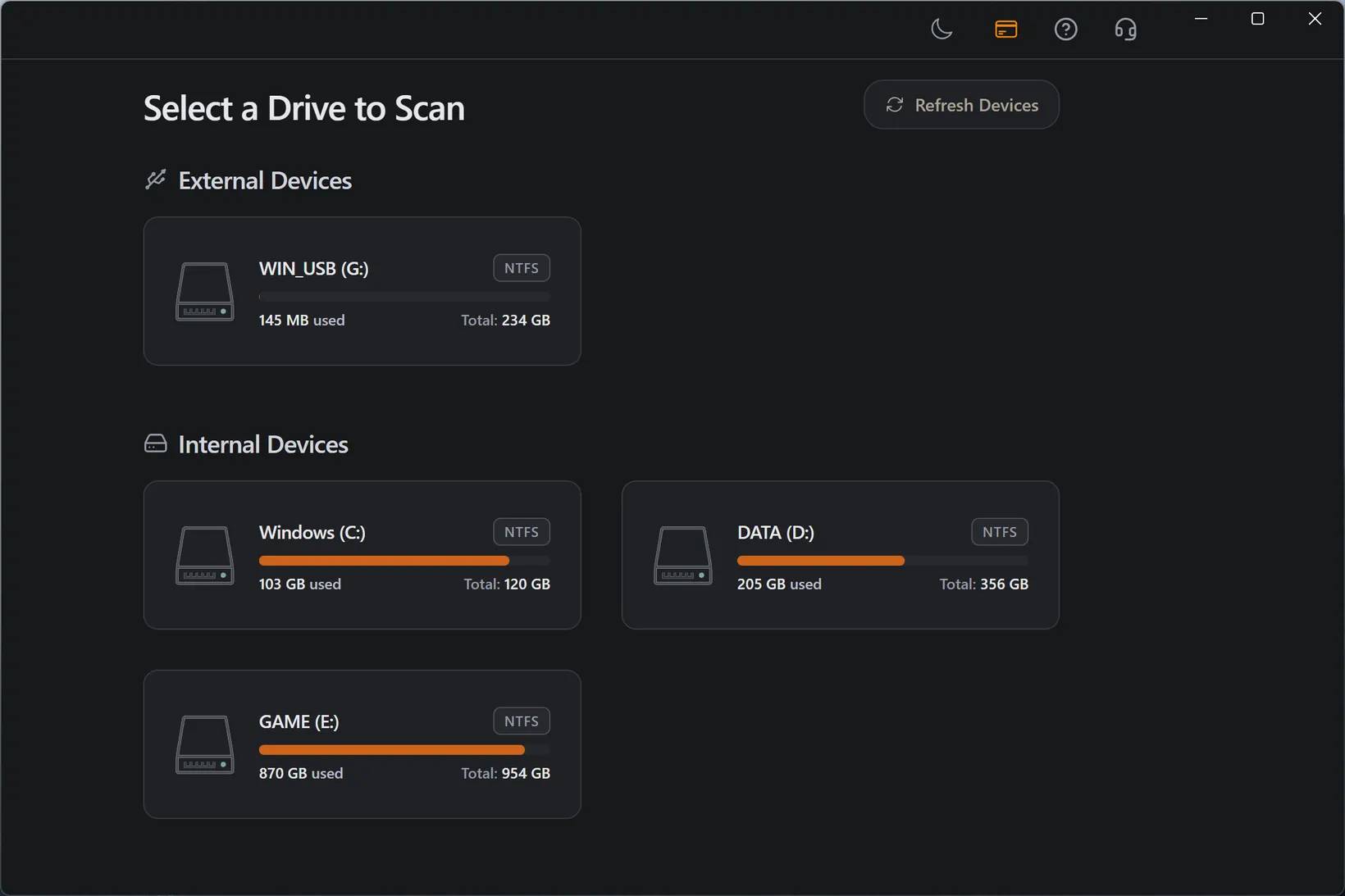
- Confirm it shows roughly the right capacity in the OS.
- Run Quick Scan first, then Deep Scan if folders are missing.
- Preview important files and recover them to another drive.
Best Practices
- Do not copy anything new to the USB stick before recovery.
- Do not run repair, format, or initialize before scanning.
- Use a stable port and avoid moving the stick during scan.
- Recover to the computer or another drive, never to the same stick.
Why USB sticks fail suddenly
Flash drives are usually formatted for portability, not resilience. FAT32 and exFAT are simple enough to work across many devices, but they do not have the recovery journal you would expect from a desktop file system. Pulling the stick during a write, losing power, or moving it between devices that disagree about the file system can leave the directory damaged even though the files are still on the flash.
That is why a USB stick can look empty or RAW while still holding recoverable data. The important signal is capacity. If the system still reports the real size, the controller can likely read the flash and a scan is worth running. If the device reports a nonsense size or drops off constantly, the problem may be hardware.
- FAT32 and exFAT are portable but less forgiving after unsafe removal.
- A real reported capacity is a good sign for software recovery.
- Wrong capacity or repeated disconnects point to hardware trouble.
Recover before you repair the stick
Repairing a flash drive usually means rewriting file-system structures or formatting it so it can be used again. That may make the stick look healthy, but it can also overwrite metadata and file contents that a recovery scan could have read. If the files matter, repair is the second step, not the first.
The safer sequence is simple: scan the stick as it is, recover the files to the computer or another drive, verify the recovered files, then reformat the stick if you still trust it. If it failed once because of unsafe removal, it may be fine after a format. If it failed because the flash or controller is wearing out, replace it.
- Repair and format tools write to the stick.
- Scan first while the original data is still untouched.
- Retire the stick if it disconnects or corrupts files repeatedly.
Related USB Recovery Paths
When the drive asks to be formatted
Cancel the prompt. A format prompt usually means the file system is damaged, not that the contents are gone. Scan the current state and only reformat after you have recovered the files you need.
When folders disappeared after a transfer
If a copy or move failed midway, do not restart the same operation on the same stick. Scan the flash drive, preview the missing files, and recover them to a different destination before trying the transfer again.
Frequently Asked Questions
Can I recover files from a USB flash drive?
Yes, if the flash drive is still detectable by Windows or macOS and the file data has not been overwritten. Scan it before formatting, repairing, or copying anything new to it.
Is flash drive recovery the same as USB drive recovery?
For Refindo, yes. A flash drive, USB stick, thumb drive, and pen drive are handled as removable USB media, usually with FAT32 or exFAT.
Can a formatted flash drive be recovered?
A quick-formatted flash drive often still contains recoverable files. Deep Scan is usually needed because the original folders may be gone.
Should I repair the USB stick first?
No. Repair and format tools write to the device. Recover important files first, then repair or reformat the stick for reuse.
Start with a free scan
Check recoverable files first, then decide whether to proceed with recovery, and save results to a separate drive.